EARLY ACCESS 50% off with code: EARLY 97 early access seats left

Turn podcast episodes into clips that find new listeners.

Video podcasts create hours of source material. AI Clipping pulls the strongest moments into short-form clips, so you can promote every episode without editing from scratch.

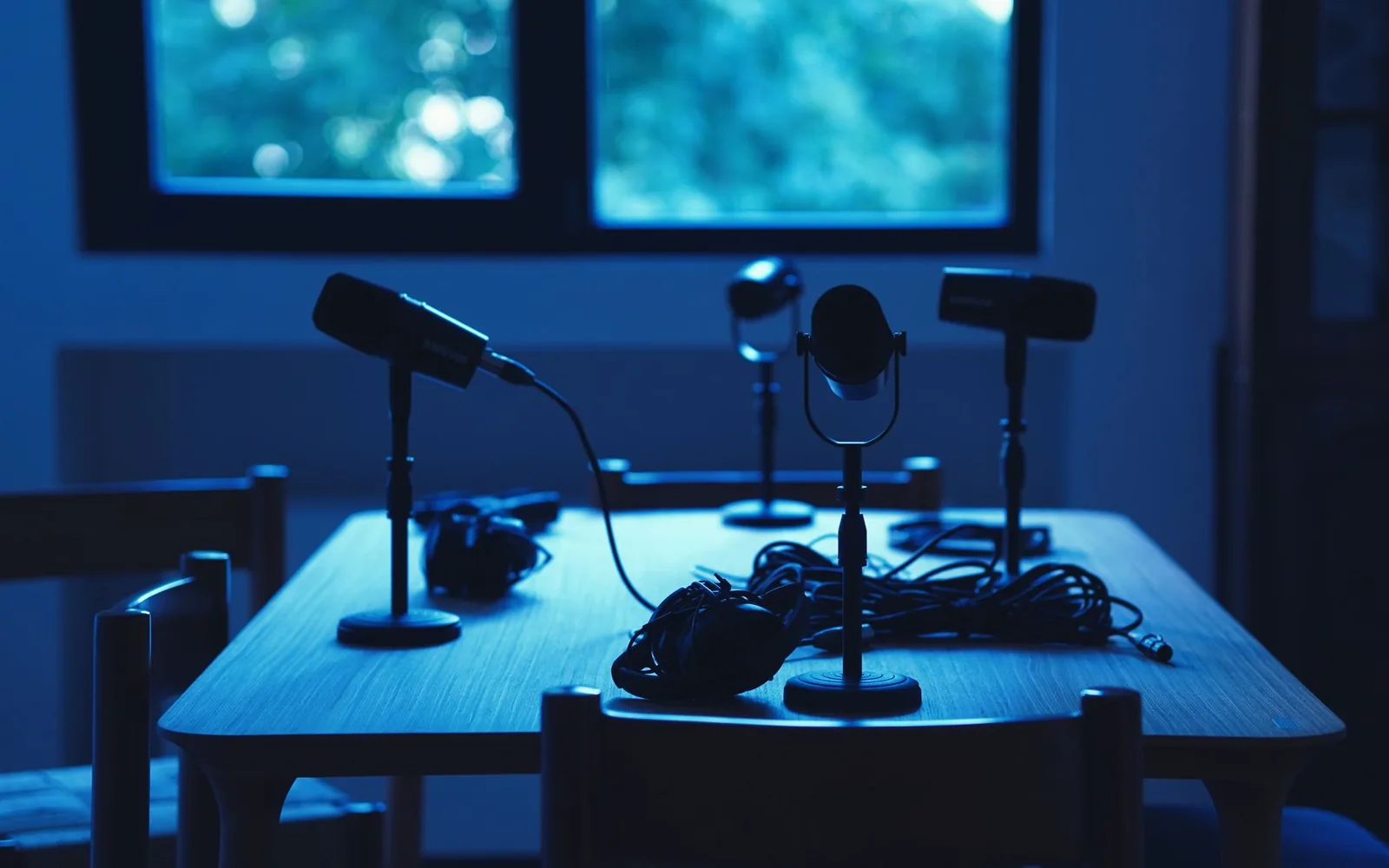
A dimly lit podcast studio with microphones and headphones on a table.

What you bring to Videoblitz.

Video podcast episodes, remote interviews, panel discussions, solo host recordings, and recurring formatted shows.

Video podcast episodes Remote interviews Panel discussions Solo host recordings Recurring formatted shows

What comes out the other side.

A vertical clip cut from a full episode, with speaker framing and captions colour-coded per voice, so an interview reads clearly on a phone with the sound off.

How it works.

1

Upload a podcast episode

Import a full video podcast recording. Videoblitz processes the entire episode and surfaces candidate clips from the conversation.

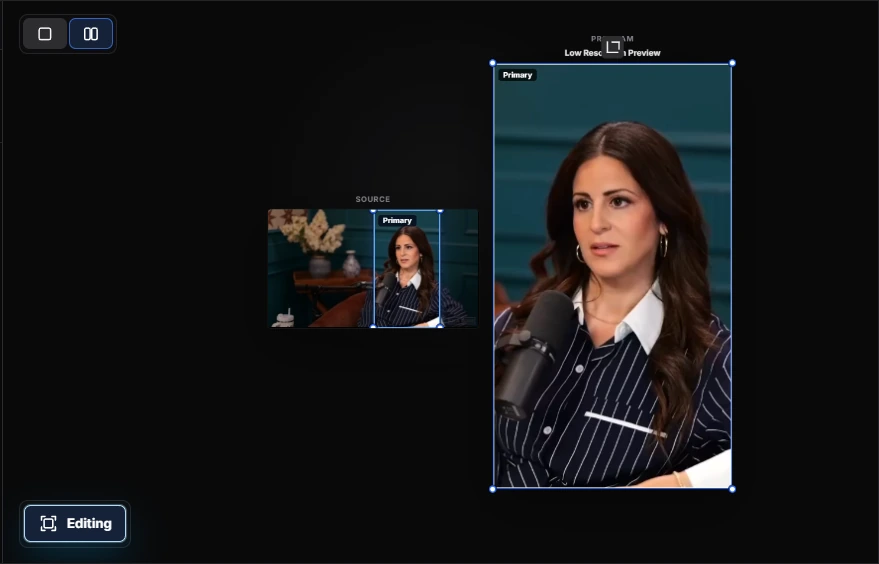
Upload a podcast episode in the Videoblitz workspace
2

Pick your best moments

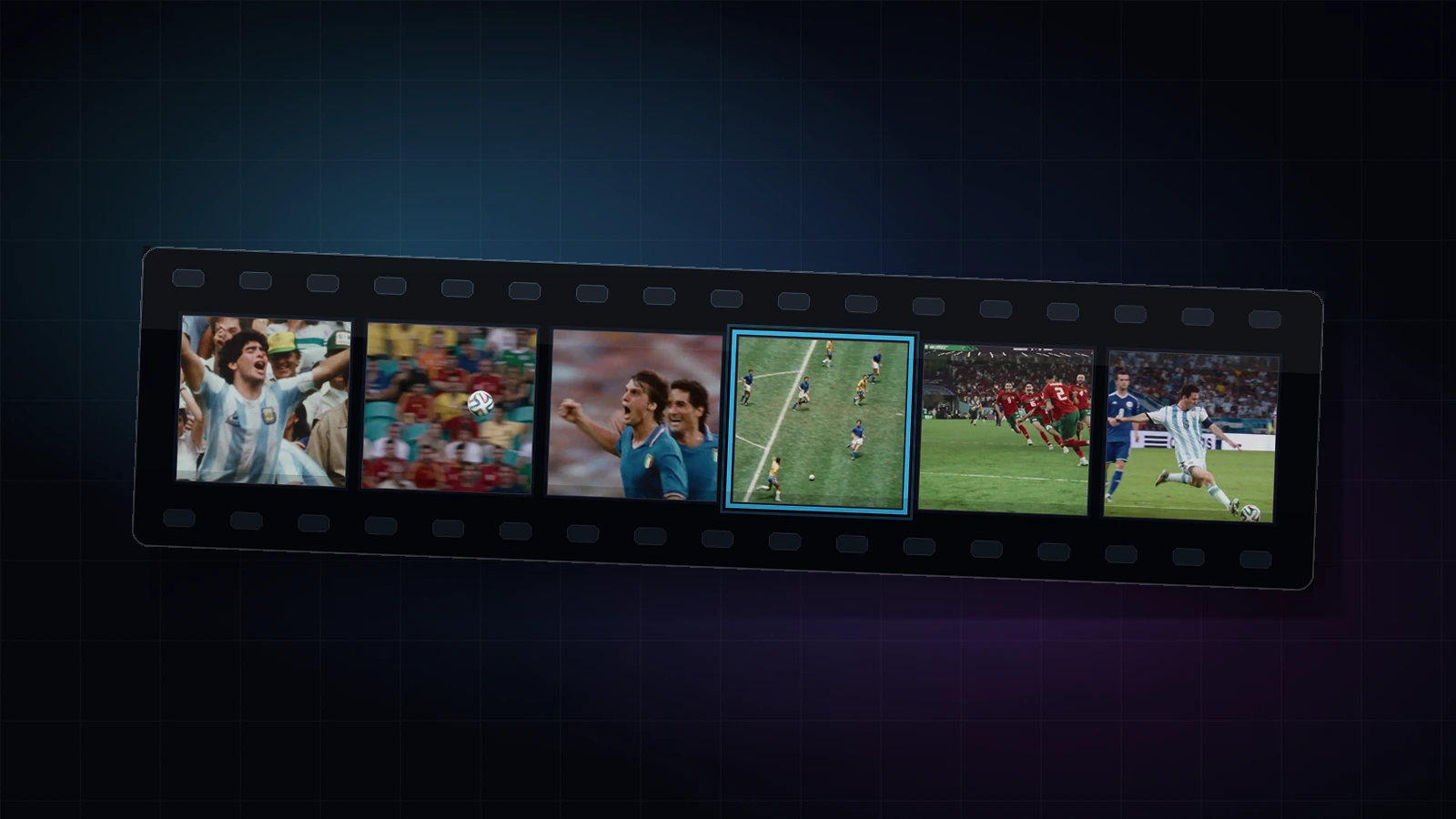
Review the surfaced clips. Choose the exchanges, reactions, and takeaways that make the strongest short-form content for your audience.

Pick your best moments in the Videoblitz workspace
3

Fine-tune each clip

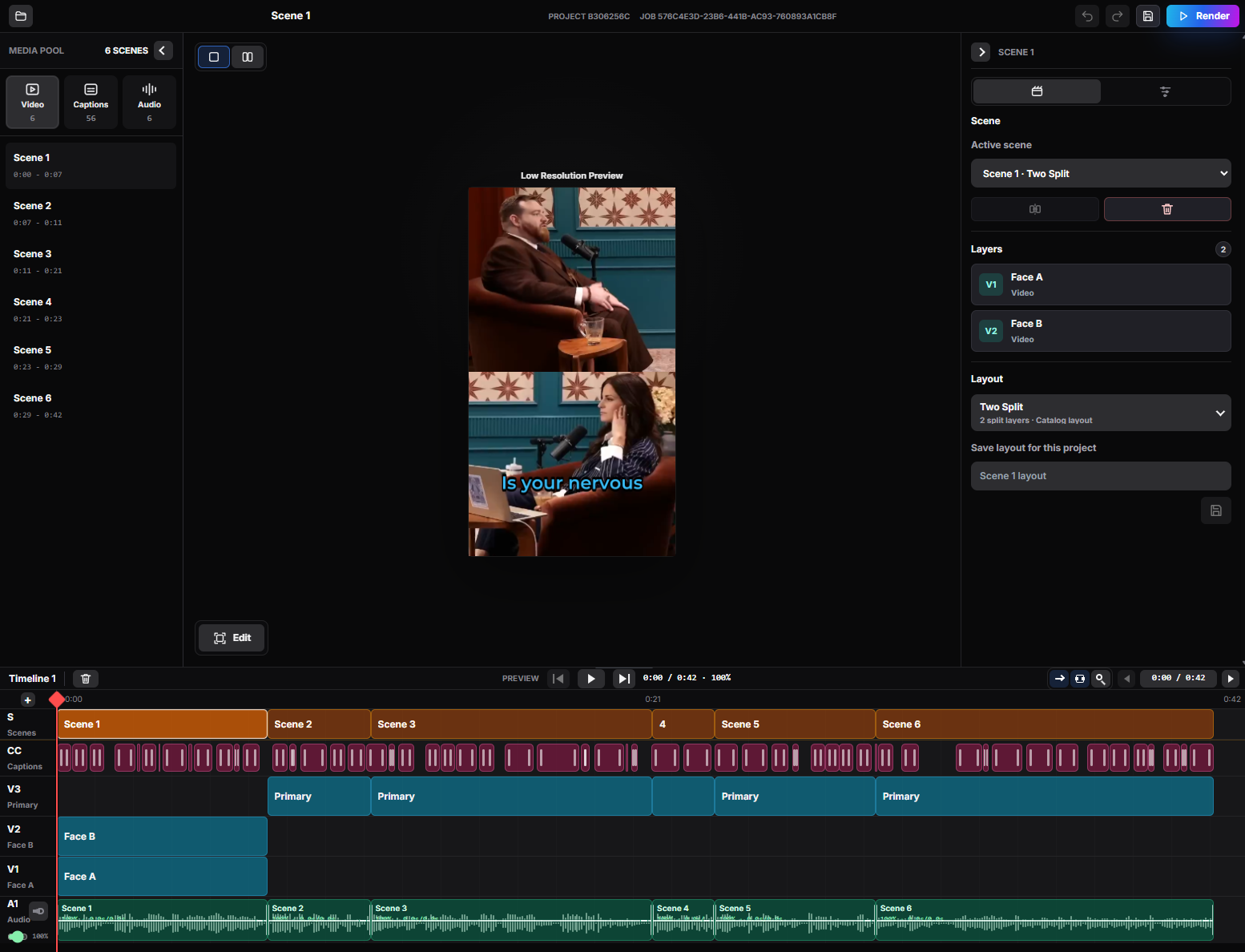
Open clips in BlitzEdit to adjust speaker framing, add readable captions with speaker colors, and apply a consistent look across every output.

Fine-tune each clip in the Videoblitz workspace
4

Publish and promote

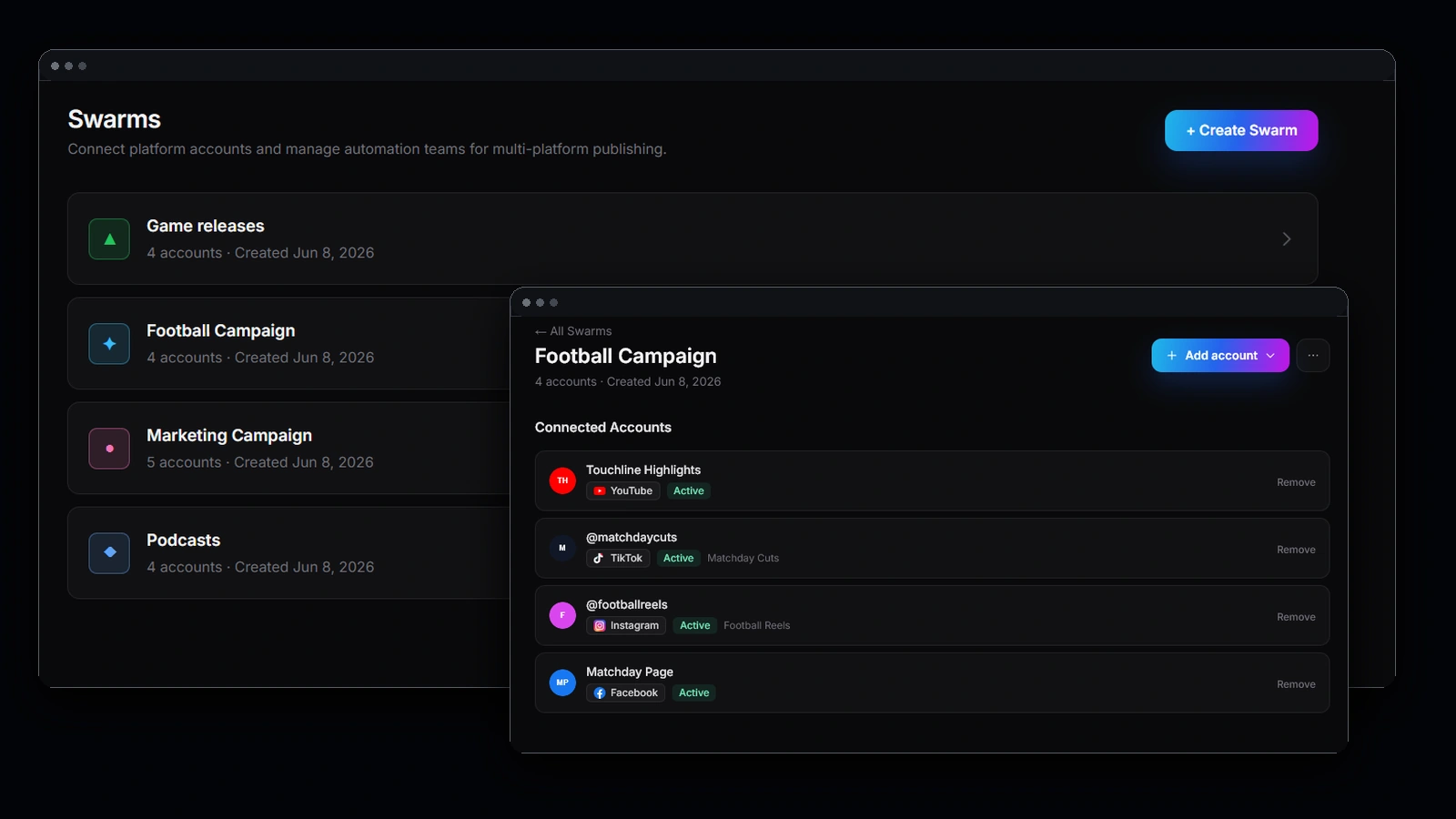
Send finished clips through Blitz Social to TikTok, YouTube Shorts, Instagram Reels, and X. One setup covers every episode.

Publish and promote in the Videoblitz workspace

What you get.

1

Promote every episode

Promote every episode with short clips instead of relying on a single trailer or highlight.

2

Grow on short-form platforms

Bring video podcast conversations to short-form platforms where new listeners discover shows.

3

Consistent captions and style

Keep caption styles and speaker colors consistent across weeks of episodes and platforms.

More listeners from every episode you record.

Podcast growth stalls when the only promotion is a link post. Clips put the conversation itself in front of people who have never heard the show.

Promote every episode, not just the best one

When clipping takes an afternoon, most episodes get one trailer or nothing. When it takes a review pass, every episode gets a real promotional run.

Reach people who will never open a podcast app

Short-form is where new listeners meet a show. A strong exchange on TikTok or Reels does the convincing that an episode description cannot.

Make two talking heads watchable

Speaker framing and per-speaker caption colors turn a static two-box recording into something that reads instantly on a phone, muted, mid-scroll.

Build a recognisable look across a season

Reuse the same caption style and layout every week so clips from episode 40 are recognisably yours to someone who first saw episode 12.

Common questions

How do I make podcast clips for social media?

Upload the episode recording. Videoblitz processes the whole episode, surfaces candidate clips from the conversation, and you keep the exchanges worth posting. BlitzEdit handles speaker framing and captions before publishing.

How many clips can I get from a one-hour episode?

There is no fixed number — it depends on how much of the conversation stands alone. A full episode is analysed end to end, and you choose which surfaced moments to keep.

Can I use different caption colours for each speaker?

Yes. Per-speaker caption colours are part of BlitzEdit, so an interview reads clearly without the viewer guessing who is talking.

Does it work with remote interviews and video podcasts?

Yes. Remote interviews, panel discussions, solo host recordings, and recurring formatted shows all work as source material, as long as there is video.

Where can I publish the clips?

Blitz Social publishes to TikTok, YouTube Shorts, Instagram Reels, and X from one saved setup, so a weekly show does not need reconfiguring every week.

Ready to get started?

Turn video podcast episodes into a repeatable clipping and publishing pipeline.

Get Started

Photography: Photo by Reza Tavakoli on Pexels.