EARLY ACCESS 50% off with code: EARLY 97 early access seats left

Turn one webinar into weeks of social video.

Webinars, product demos, and customer recordings contain weeks of social content. AI Clipping surfaces candidate shorts so your team can review, polish, and publish without starting from zero.

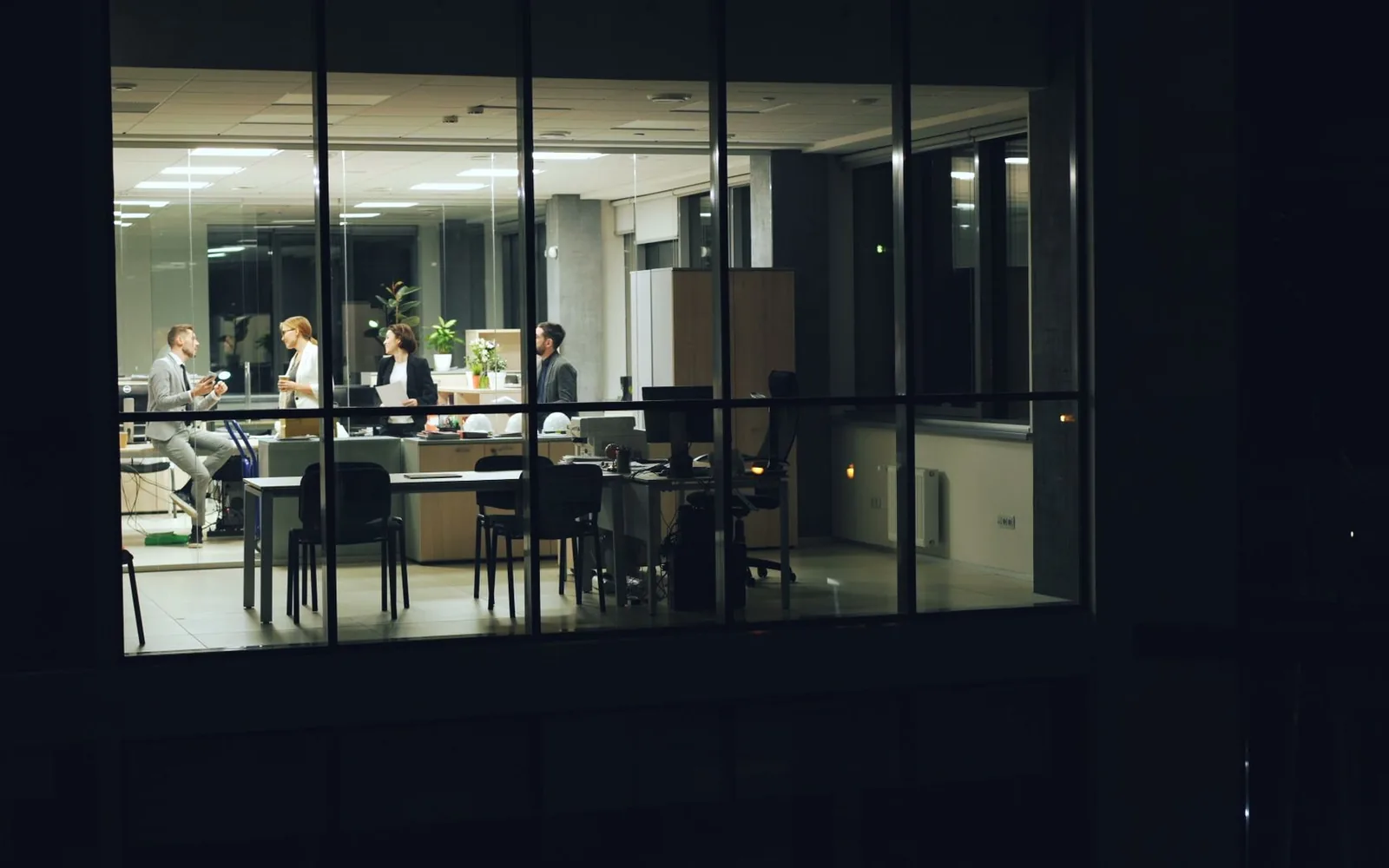
A team working late around a table in a glass-walled office at night.

What you bring to Videoblitz.

Webinar recordings, product demos, customer education videos, campaign content, founder interviews, and event session footage.

Webinar recordings Product demos Customer education videos Campaign content Founder interviews Event session footage

What comes out the other side.

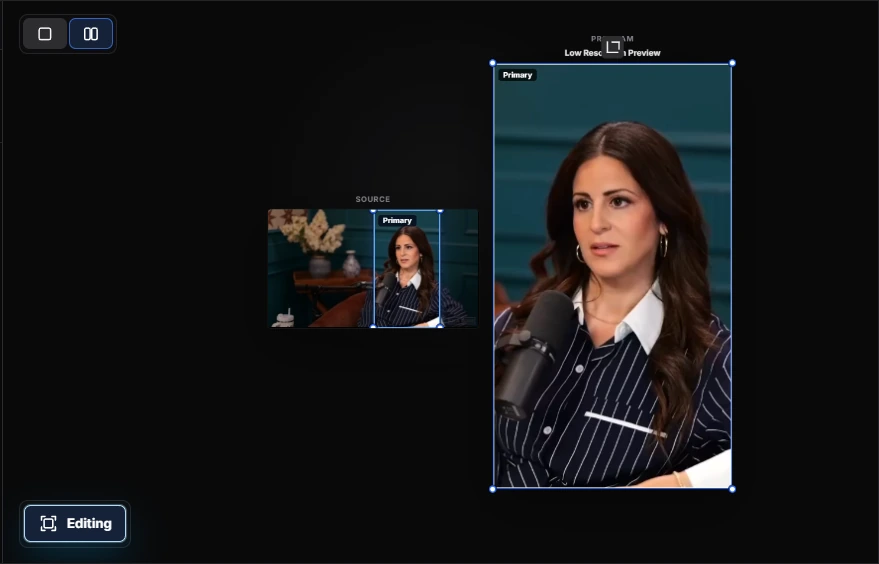
A vertical clip pulled from a webinar recording, cropped to the speaker and captioned on brand — ready to post to LinkedIn, TikTok, Shorts, and Reels without another edit.

How it works.

1

Import marketing footage

Upload a webinar, demo recording, or customer story. Videoblitz analyzes the full video and prepares short-form clip options for review.

Import marketing footage in the Videoblitz workspace
2

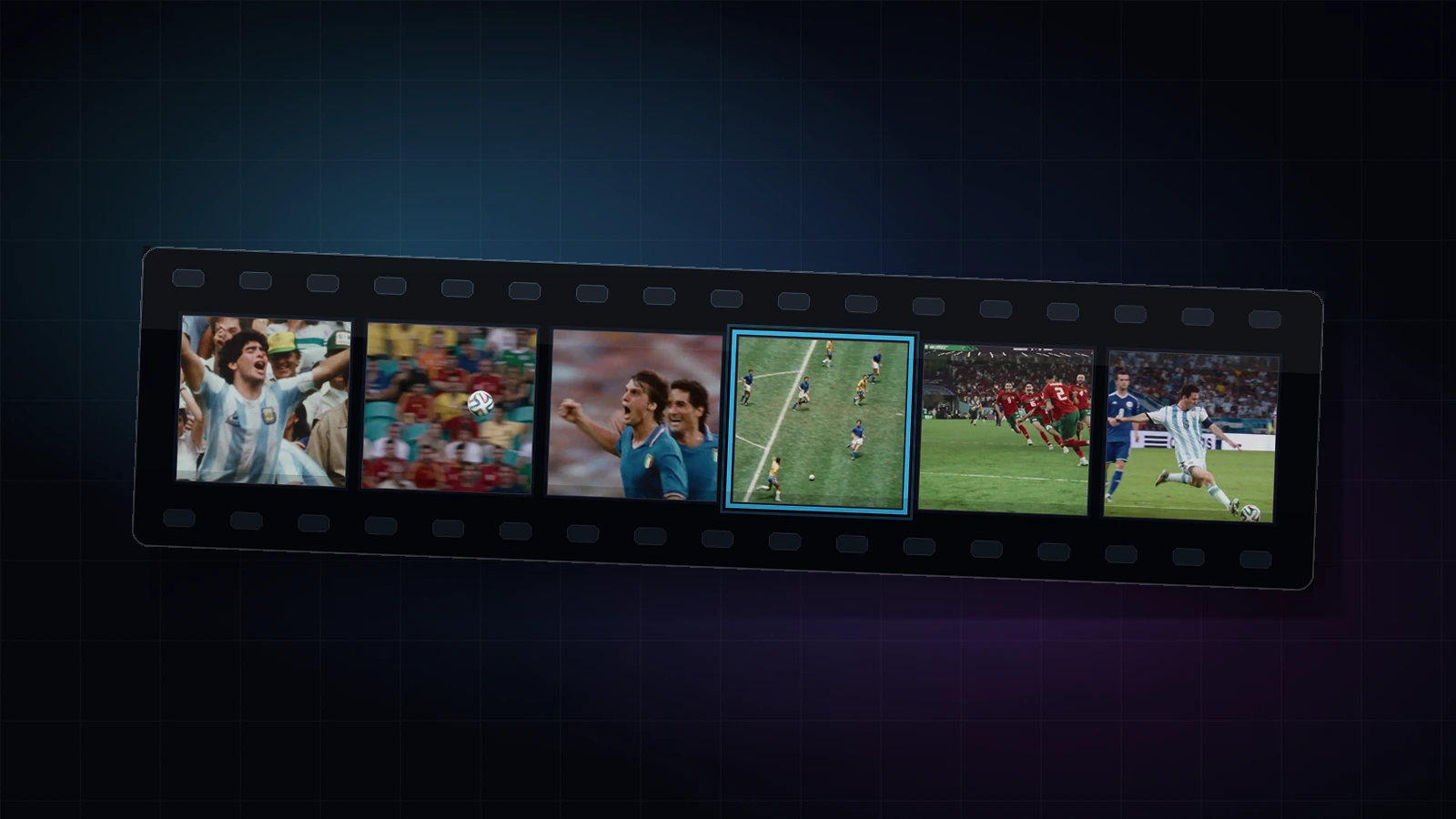
Review surfaced clips

Scan the candidate clips and pick the moments that fit your campaign messaging, product positioning, or customer narrative.

Review surfaced clips in the Videoblitz workspace
3

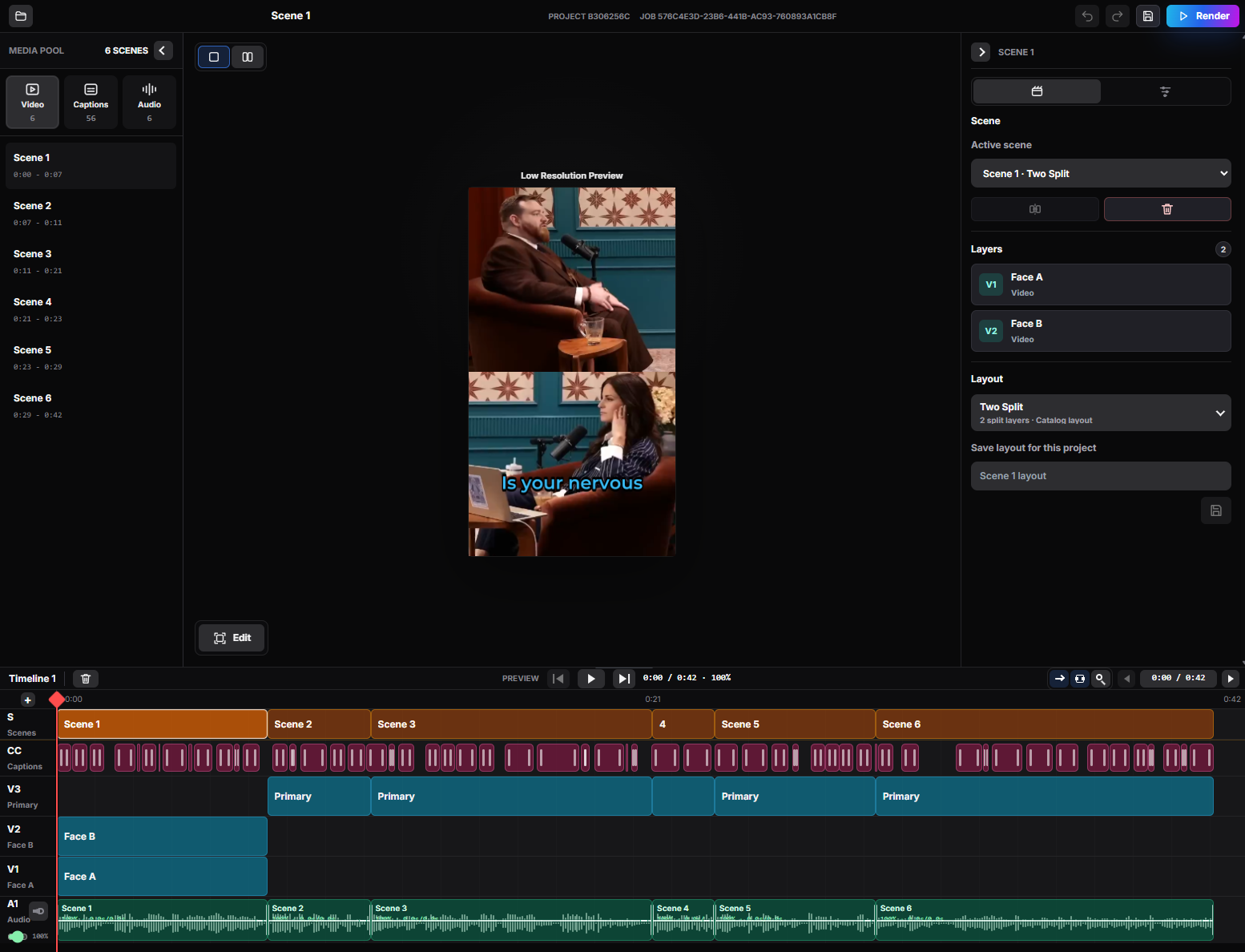
Refine for brand fit

Use BlitzEdit to check crops, captions, and layout before publishing. Make sure every clip matches your brand guidelines.

Refine for brand fit in the Videoblitz workspace
4

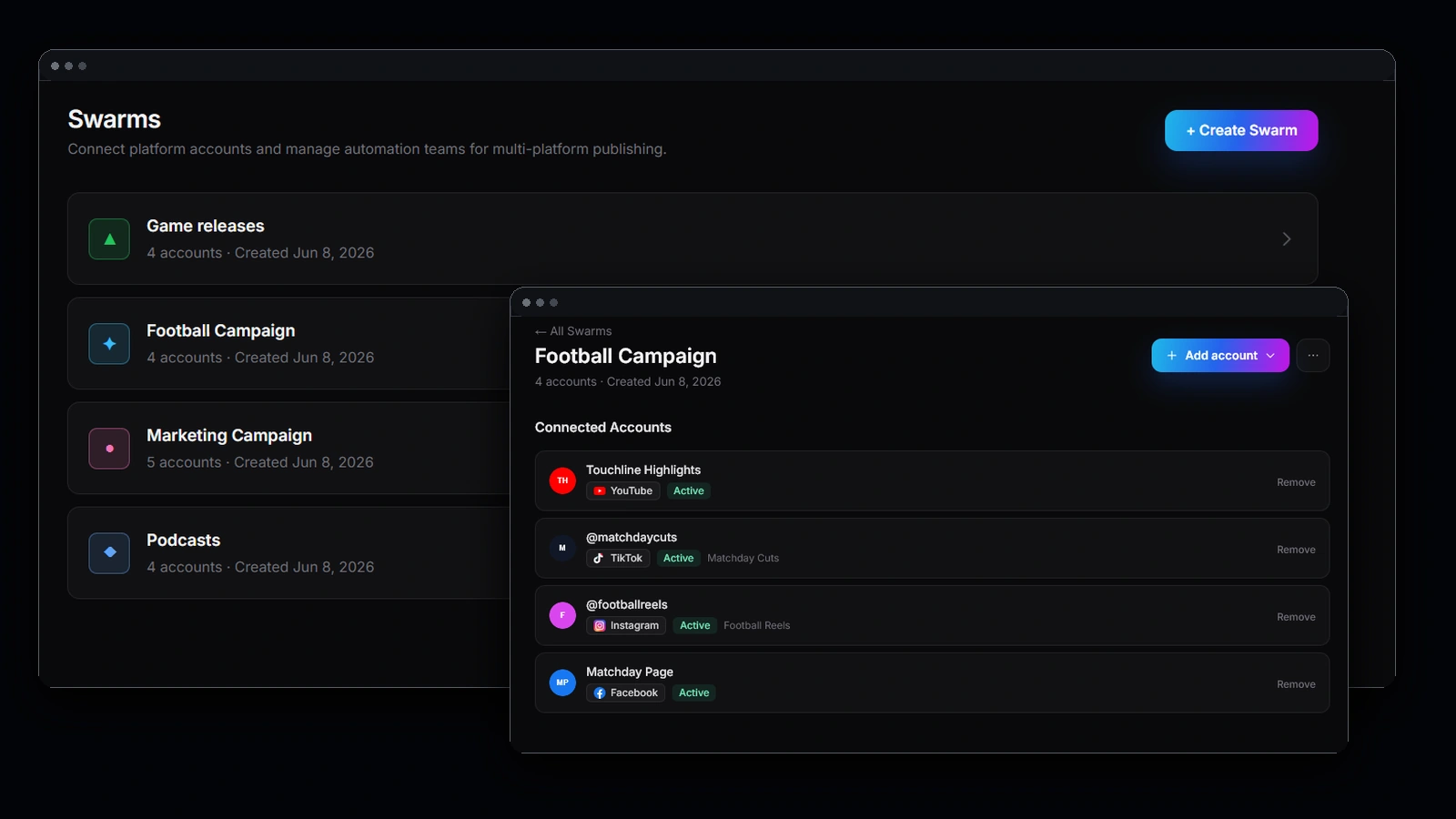
Publish across channels

Use Blitz Social to send approved clips to TikTok, YouTube Shorts, Instagram Reels, and X. Reuse your publishing setup for every campaign.

Publish across channels in the Videoblitz workspace

What you get.

1

Weeks of content from one video

Get weeks of social content from a single webinar or demo recording instead of producing stand-alone shorts.

2

Consistent brand voice

Keep brand voice consistent with captions, layouts, and publishing setups that your team reuses across campaigns.

3

One-tool workflow

Move from raw footage to published clips without passing files between multiple editing and scheduling tools.

More reach from content you already paid to produce.

Webinars and demos are expensive to make and usually run once. Clipping them is the cheapest reach your team has available.

Turn one recording into a content calendar

A single webinar or customer story carries enough distinct moments to fill weeks of social posts — without briefing, scripting, or booking another shoot.

Meet buyers on the feeds they actually scroll

The people who never register for the webinar will still watch 30 seconds of it on LinkedIn, TikTok, YouTube Shorts, or Reels. Clips are how the argument travels.

Keep brand fit without a designer in the loop

Captions, crops, and layout get checked in BlitzEdit against your brand rules, so speed does not cost you consistency across campaigns.

Ship without waiting on an editor

The bottleneck on social video is usually queue time, not ideas. A review-and-approve pass moves campaign clips out while the topic is still current.

Common questions

How do I repurpose a webinar into social media clips?

Upload the webinar recording. Videoblitz analyses the full session and prepares short-form options. Your team reviews the candidates, checks brand fit in BlitzEdit, and publishes approved clips through Blitz Social.

How much social content can we get from one webinar?

Enough to run a campaign rather than a single post — the exact number depends on how many distinct points the session covers. You choose which surfaced moments to keep.

Can the whole team share one publishing setup?

Yes. Blitz Social setups are saved and reused, so account connections, formats, and caption choices do not get rebuilt per campaign or per person.

Will the clips match our brand guidelines?

BlitzEdit is the review pass for exactly that: crop, captions, layout, and timing get checked before anything is published, and the same choices carry to the next campaign.

What source video works best?

Webinar recordings, product demos, customer education videos, founder interviews, campaign content, and event session footage.
Ready to get started?

Turn webinars, demos, and campaign footage into a repeatable clipping and publishing pipeline.

Get Started

Photography: Photo by Vitaly Gariev on Pexels.