Prompt in. Footage out.
Text to video and text to image, inside the workspace where you already cut, caption, and publish.
 Omni
Omni
Omni
Omni
 Seedance 2.0 Mini
Omni
Seedance 2.0 Mini
Seedance 2.0 Mini
Seedance 2.0 Mini
Omni
Seedance 2.0 Mini
Pick your model.

Veo 3.1
Seedance 2.0

Nano Banana 2

Seedream 5.0 Pro
Omni
What you get.
Prompt to clip
Describe the shot. Pick a model. Get footage back.
Prompt to still
Thumbnails, covers, and title cards at up to 4K.
Reference-driven
Stills and clips of your own keep generations on-brand.
Every ratio
Vertical, square, and wide out of the same prompt.
Straight into the edit
Generations open in BlitzEdit as scenes and layers.
One credit balance
Same credits as clipping. Cost shown before you spend.
Three steps.
Prompt
Write the shot, pick the model, set length and ratio.
Generate
Jobs run in the background and land in your library.
Publish
Cut it in BlitzEdit, then post it with Blitz Social.
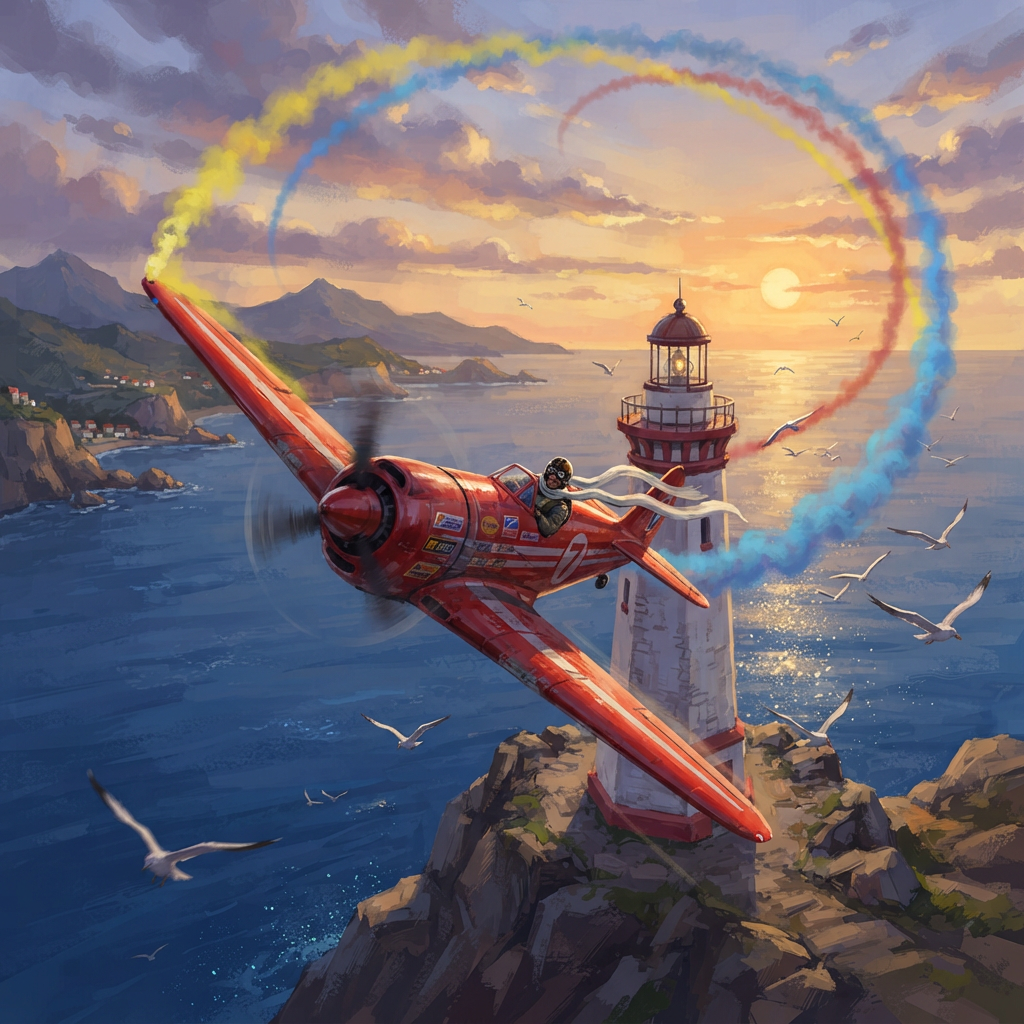 Key art for an aerial racing game in painted digital art style. A red single-engine propeller plane carving a hard left turn around a lighthouse pylon, wings rolled steeply into the turn, coloured smoke streaming from the wingtips and hanging in the air as a curved ribbon that traces the whole banked arc behind the plane. Gulls scattering outward below, sea glittering far down, the pilot's scarf whipping straight back along the airflow. Bold saturated palette, low dramatic sun.
Nano Banana
Key art for an aerial racing game in painted digital art style. A red single-engine propeller plane carving a hard left turn around a lighthouse pylon, wings rolled steeply into the turn, coloured smoke streaming from the wingtips and hanging in the air as a curved ribbon that traces the whole banked arc behind the plane. Gulls scattering outward below, sea glittering far down, the pilot's scarf whipping straight back along the airflow. Bold saturated palette, low dramatic sun.
Nano Banana
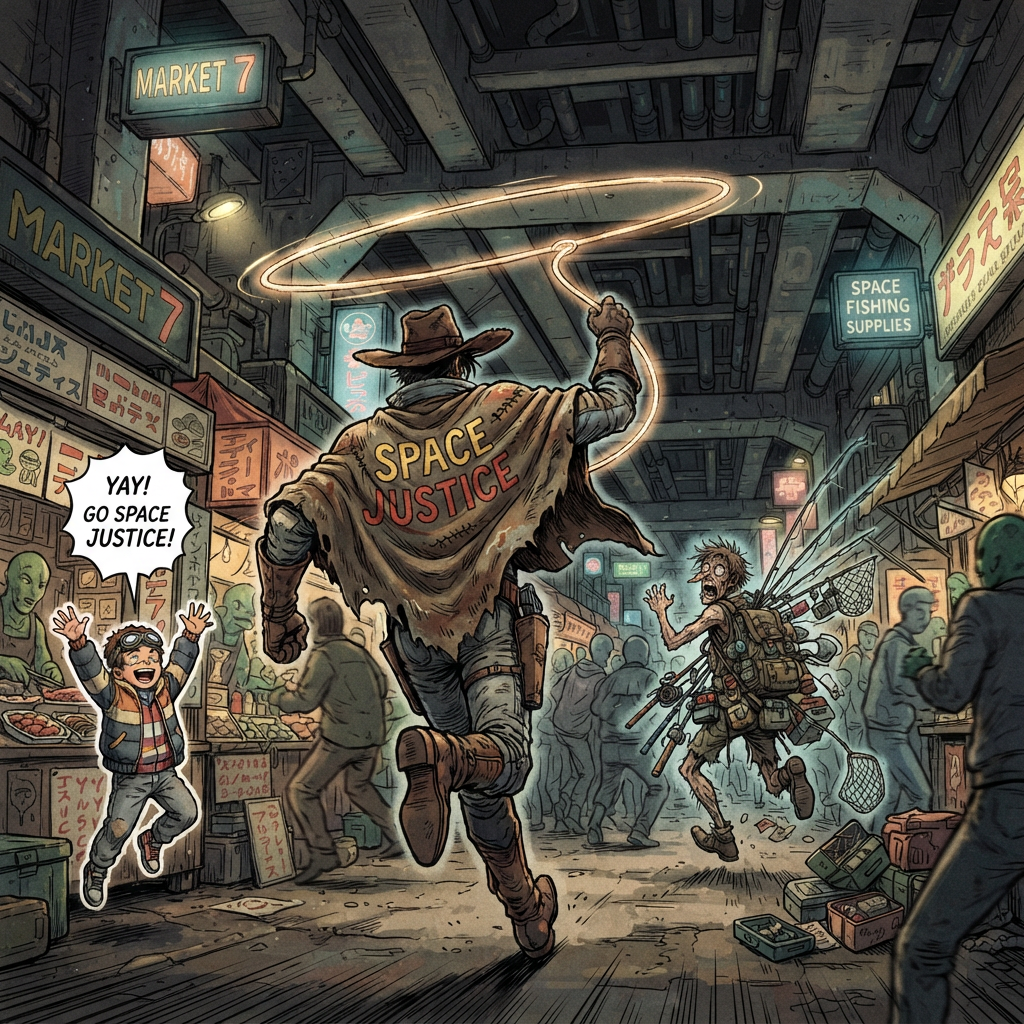 The space cowboy chases the deranged fisherman underneath the causeway, eager to collect on his bounty. Fishing rods and lines hang off the back of the fisherman as he darts between the bustling market crowd. We see the back of the space cowboy in his space poncho emblazoned with the words SPACE JUSTICE, spinning his lasso over his head. A child on the sidelines excitedly cheers the cowboy. 1990s hand-drawn anime style with strong fluidity.
Nano Banana
The space cowboy chases the deranged fisherman underneath the causeway, eager to collect on his bounty. Fishing rods and lines hang off the back of the fisherman as he darts between the bustling market crowd. We see the back of the space cowboy in his space poncho emblazoned with the words SPACE JUSTICE, spinning his lasso over his head. A child on the sidelines excitedly cheers the cowboy. 1990s hand-drawn anime style with strong fluidity.
Nano Banana
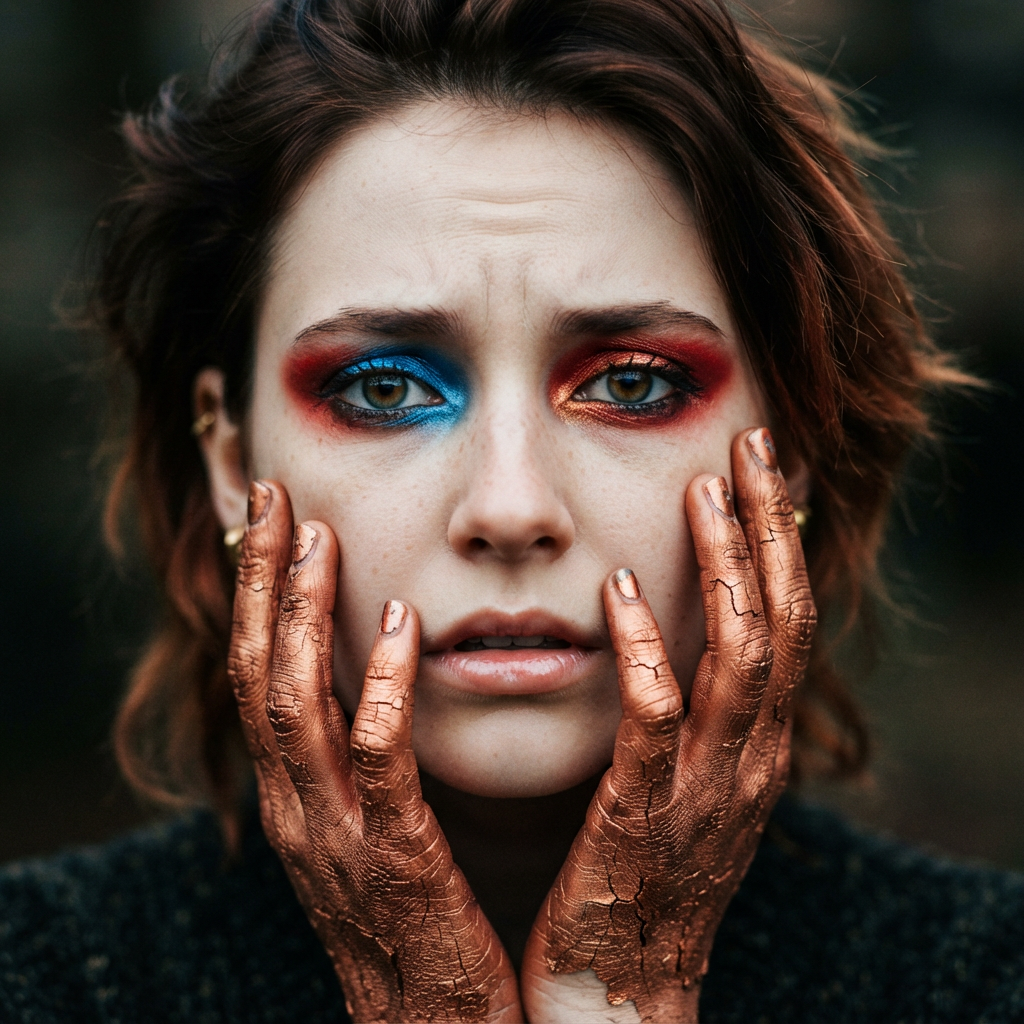 A striking close-up portrait of a woman with cracked metallic copper-painted hands framing her face. Her vivid blue and red eye makeup contrasts sharply with the smooth, pale skin and muted background, creating a bold, surreal composition. She displays an air of uncertainty.
Nano Banana
A striking close-up portrait of a woman with cracked metallic copper-painted hands framing her face. Her vivid blue and red eye makeup contrasts sharply with the smooth, pale skin and muted background, creating a bold, surreal composition. She displays an air of uncertainty.
Nano Banana
More posts from the footage you never shot.
Fill the b-roll gap
Generate the missing shot instead of cutting the line.
Test three hooks
Same script, three openings, three uploads.
Cover art in the same session
Thumbnail and title card beside the clip.
Keep a campaign on-model
References hold one look across a week of posts.
Common questions
How do I turn a text prompt into a video?
Open the generation panel in your Videoblitz dashboard, write the prompt, pick a model, then set the length and aspect ratio. The job runs in the background and the finished clip lands in your library, ready to open in BlitzEdit or publish through Blitz Social.
Which AI video model should I use, Veo or Seedance?
Veo 3.1 generates audio together with the picture and suits short cinematic shots. Seedance 2.0 runs longer and accepts far more reference material, including short reference clips, so it suits shots that have to match footage you already have.
Can I use my own images as a reference for AI generation?
Yes. Every model here accepts reference images, and Seedance also accepts short reference clips. References are how you keep a product, presenter, or brand look consistent across a set of generations.
What aspect ratios and resolutions can I generate?
Video comes out vertical, square, or wide depending on the model. Images go up to 4K across ten aspect ratios, from 4:5 feed posts to 21:9 banners. Each tile lists what that model supports.
How much does AI image and video generation cost?
Generation is priced in the same credits as the rest of Videoblitz, by model and by length or resolution. Each tile shows that model's starting cost, read from the same catalog the app charges against.
Can I edit an AI-generated clip after it is generated?
Yes. Generated clips and stills go into your project library, so you can open them in BlitzEdit as scenes and layers, add captions, cut them against recorded footage, and render the result like any other project.