EARLY ACCESS 50% off with code: EARLY 97 early access seats left

Turn one stream into a week of TikTok clips.

Turn one stream into a feed of shorts. AI Clipping surfaces the best moments from gameplay, commentary, and VODs, then BlitzEdit gives you a focused pass before publishing.

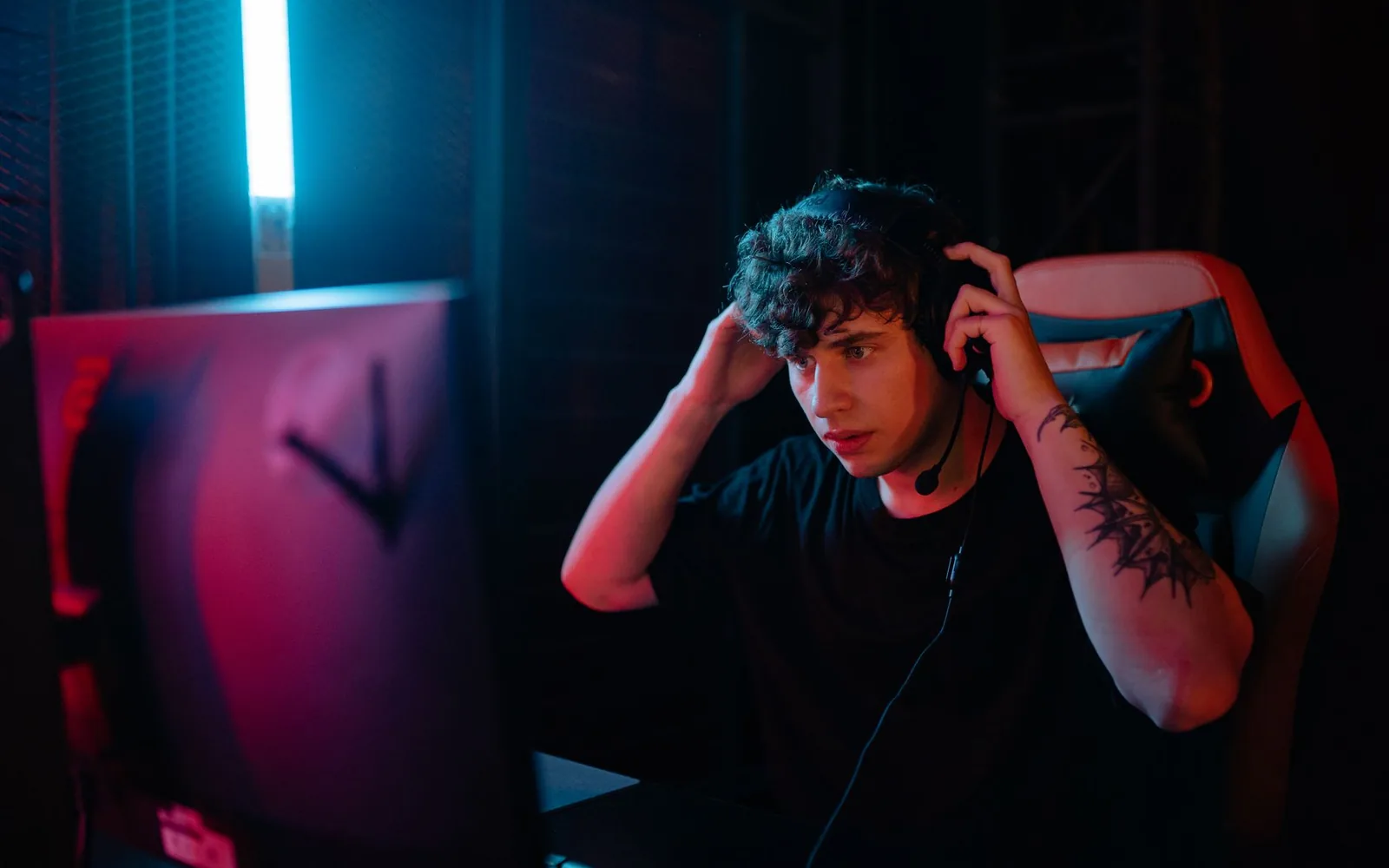
A streamer wearing a headset at a dark desk setup, lit by monitor glow.

What you bring to Videoblitz.

Twitch VODs, YouTube streams, gameplay recordings, commentary sessions, reaction videos, and direct-to-camera creator uploads.

Twitch VODs YouTube streams Gameplay recordings Commentary sessions Reaction videos Direct-to-camera uploads

What comes out the other side.

A vertical clip cut from a full stream, cropped to the action and captioned for silent autoplay — the format that actually gets watched on TikTok, Shorts, and Reels.

How it works.

1

Upload source video

Import a stream VOD, gameplay session, or commentary recording. AI Clipping automatically detects strong moments and prepares short-form candidates.

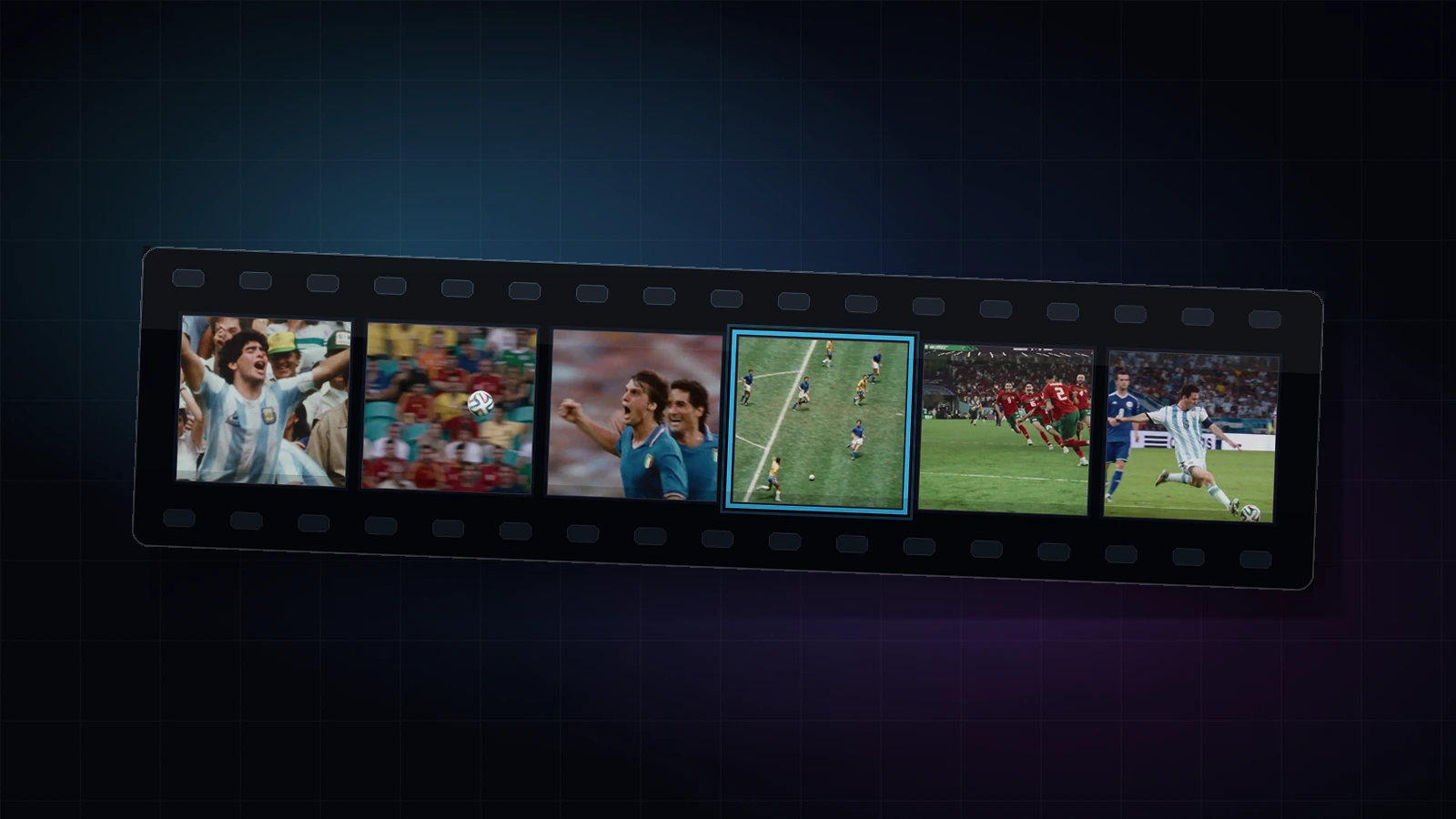
Upload source video in the Videoblitz workspace
2

Review and select clips

Scan the candidate clips Videoblitz surfaces. Keep the moments that work best for your audience and discard the rest before editing.

Review and select clips in the Videoblitz workspace
3

Polish in BlitzEdit

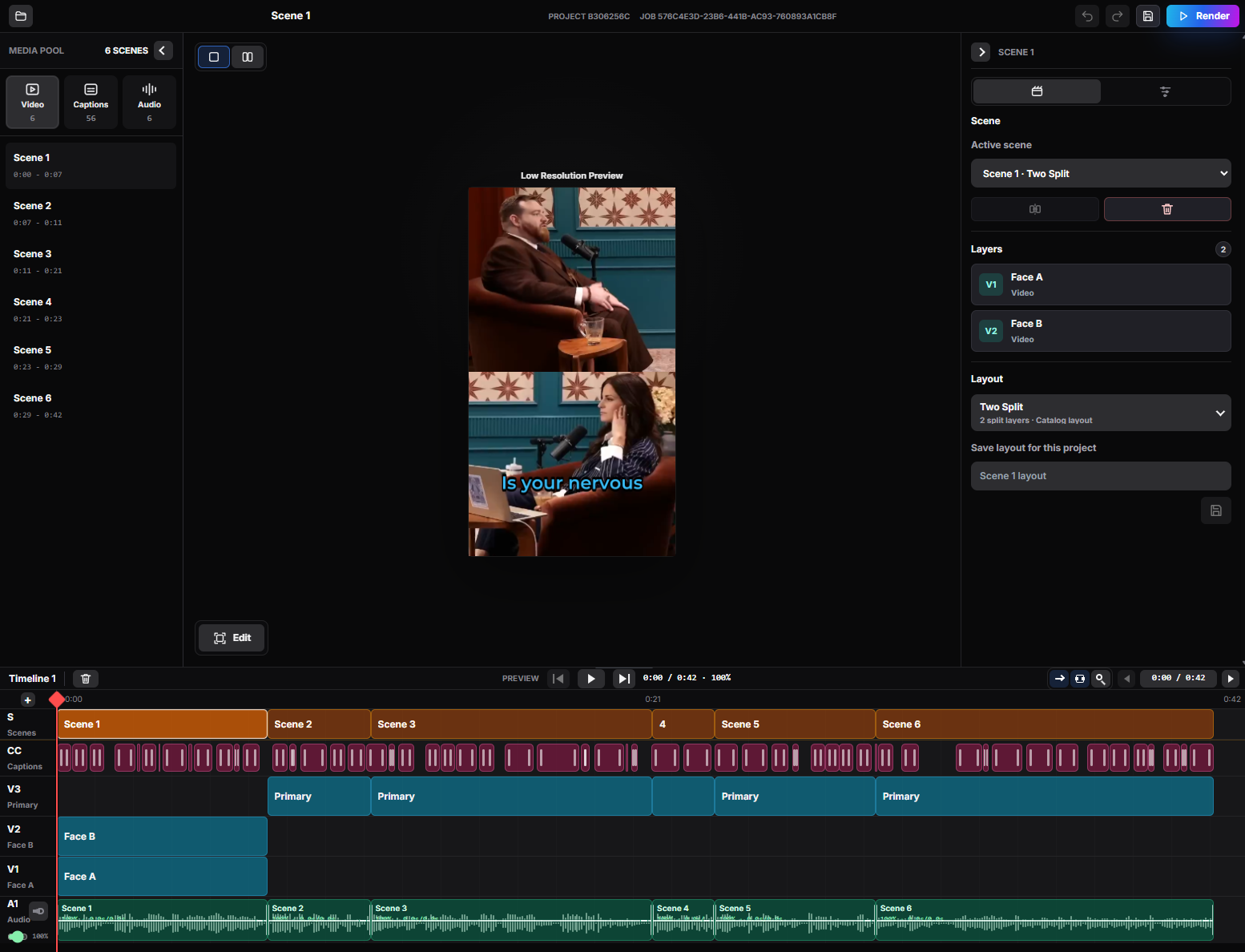
Open selected clips in the scene-based editor. Adjust crops, captions, timing, layout, and audio to match your channel style.

Polish in BlitzEdit in the Videoblitz workspace
4

Publish with Blitz Social

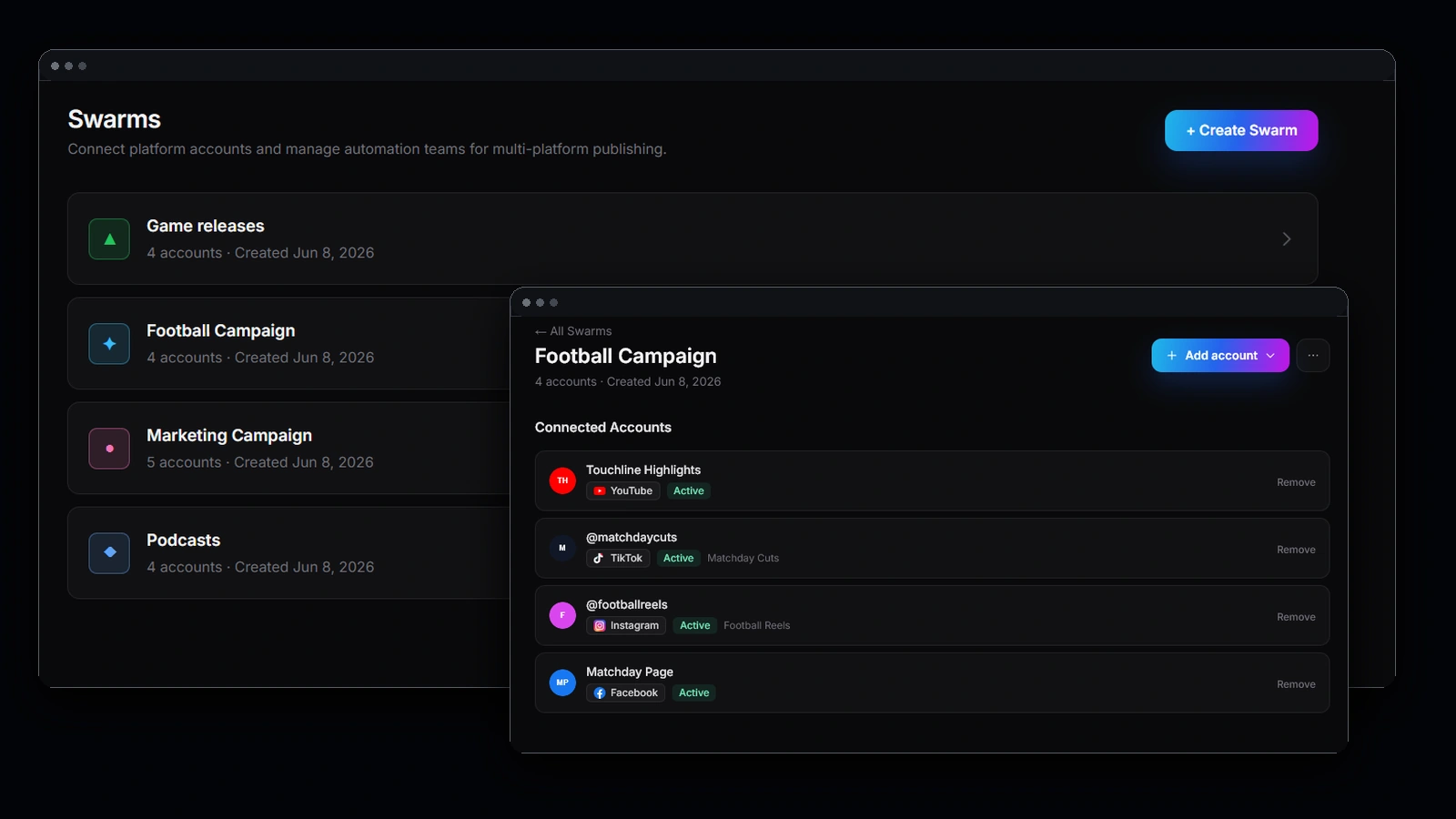
Set up reusable publishing setups for TikTok, YouTube Shorts, Instagram Reels, and X. One setup, every clip.

Publish with Blitz Social in the Videoblitz workspace

What you get.

1

More shorts from every stream

Turn one long stream into several platform-ready shorts without manual timeline scrubbing.

2

Consistent channel presence

Keep your channel active across platforms with consistent clips that match your brand and format.

3

Reusable publishing

Reuse your publishing setup so every new clip goes out the same way — no reconfiguring accounts or captions.

More views from the stream you already ran.

Short-form is where new viewers find a channel. These are the levers that turn one long stream into steady discovery.

Post daily without streaming more

A single multi-hour VOD holds enough strong moments for a week of shorts. AI Clipping surfaces them, so posting daily does not mean filming daily.

Cover every short-form platform at once

The same clip goes out vertically to TikTok, YouTube Shorts, Instagram Reels, and X. Each platform is another discovery surface pointing back at your channel.

Hold attention with sound off

Most short-form is watched muted in the first seconds. Burned-in captions keep the joke or the callout readable before anyone taps the volume.

Stay consistent, not sporadic

Saved publishing setups mean every clip leaves the same way. Consistency is what compounds on short-form, and it is the part manual editing usually breaks first.

Common questions

How do I turn a Twitch VOD into TikTok clips?

Upload the VOD to Videoblitz. AI Clipping analyses the full recording, surfaces candidate moments, and prepares them as vertical short-form clips. You review the candidates, polish the keepers in BlitzEdit, and publish with Blitz Social.

How many clips can I get from one stream?

It depends on the stream, not on a fixed quota. A long gameplay or commentary session usually carries several strong moments; you decide which candidates are worth keeping.

Can I post the same clip to TikTok, YouTube Shorts, Instagram Reels, and X?

Yes. Connect the accounts once in Blitz Social and reuse that publishing setup for every clip, instead of exporting and uploading to each platform by hand.

Do I need video editing experience?

No. AI Clipping does the first cut. BlitzEdit is a focused review pass for crop, captions, timing, and layout — not a full timeline editor you have to learn first.

Does it add captions automatically?

Yes. Clips come back with captions you can restyle in BlitzEdit so they match your channel rather than looking like a default template.

Ready to get started?

Turn streams, VODs, and gameplay into a repeatable clipping and publishing pipeline.

Get Started

Photography: Photo by Yan Krukau on Pexels.