EARLY ACCESS 50% off with code: EARLY 97 early access seats left

Create and publish clips 10× faster.

Automate clipping, captions, formatting, branding, and publishing—all from one workspace.

Upload files

Features

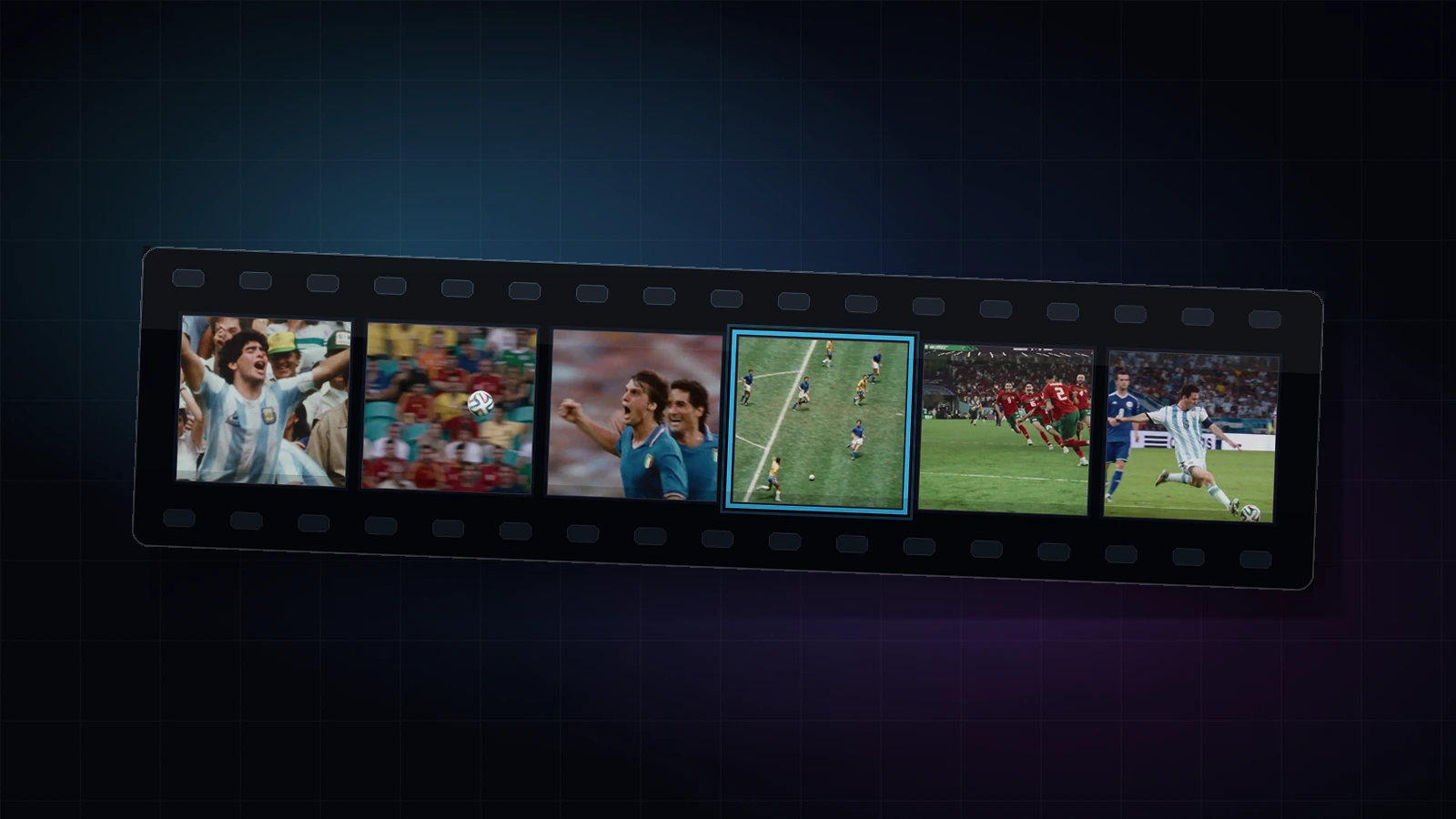
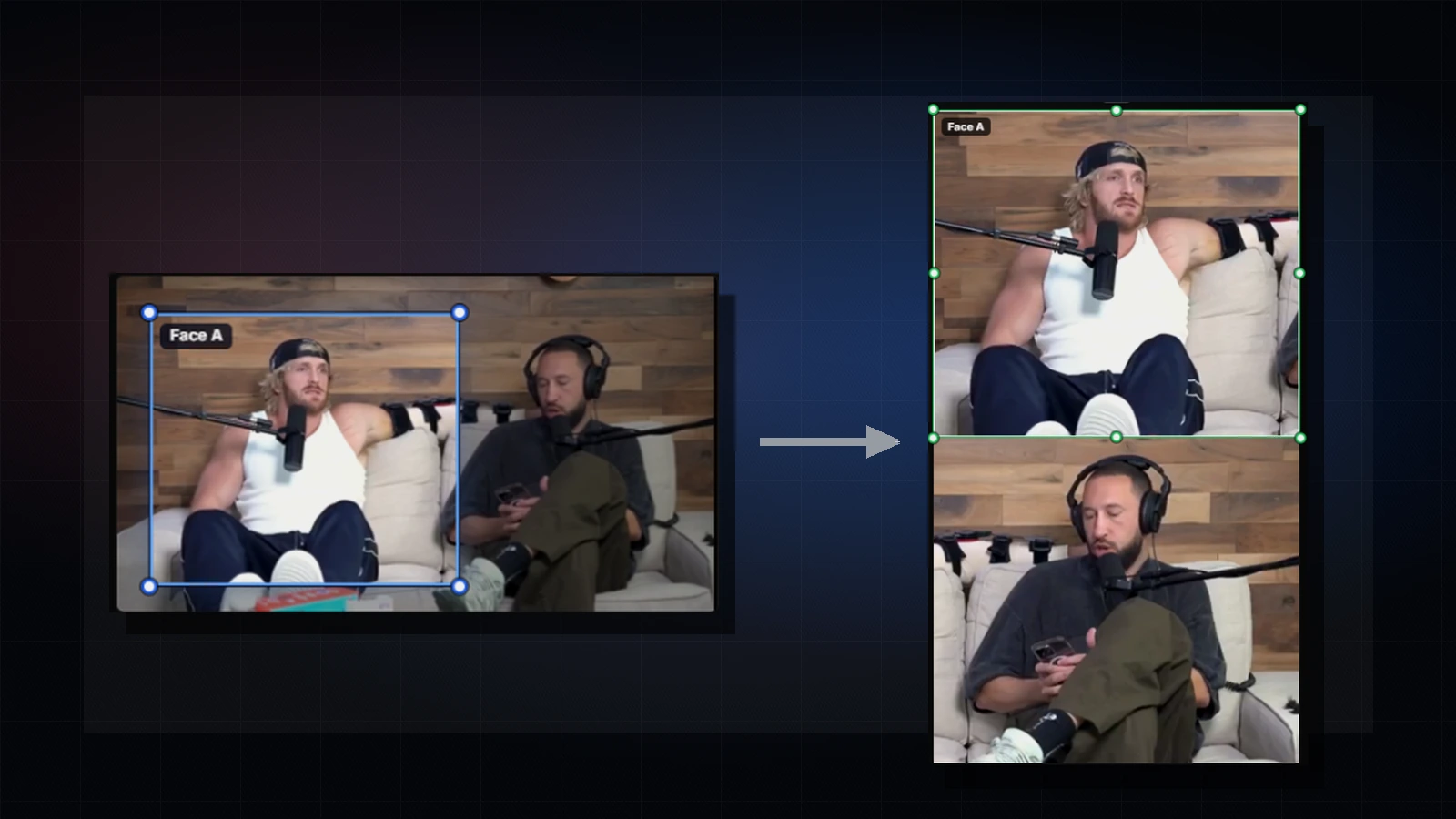
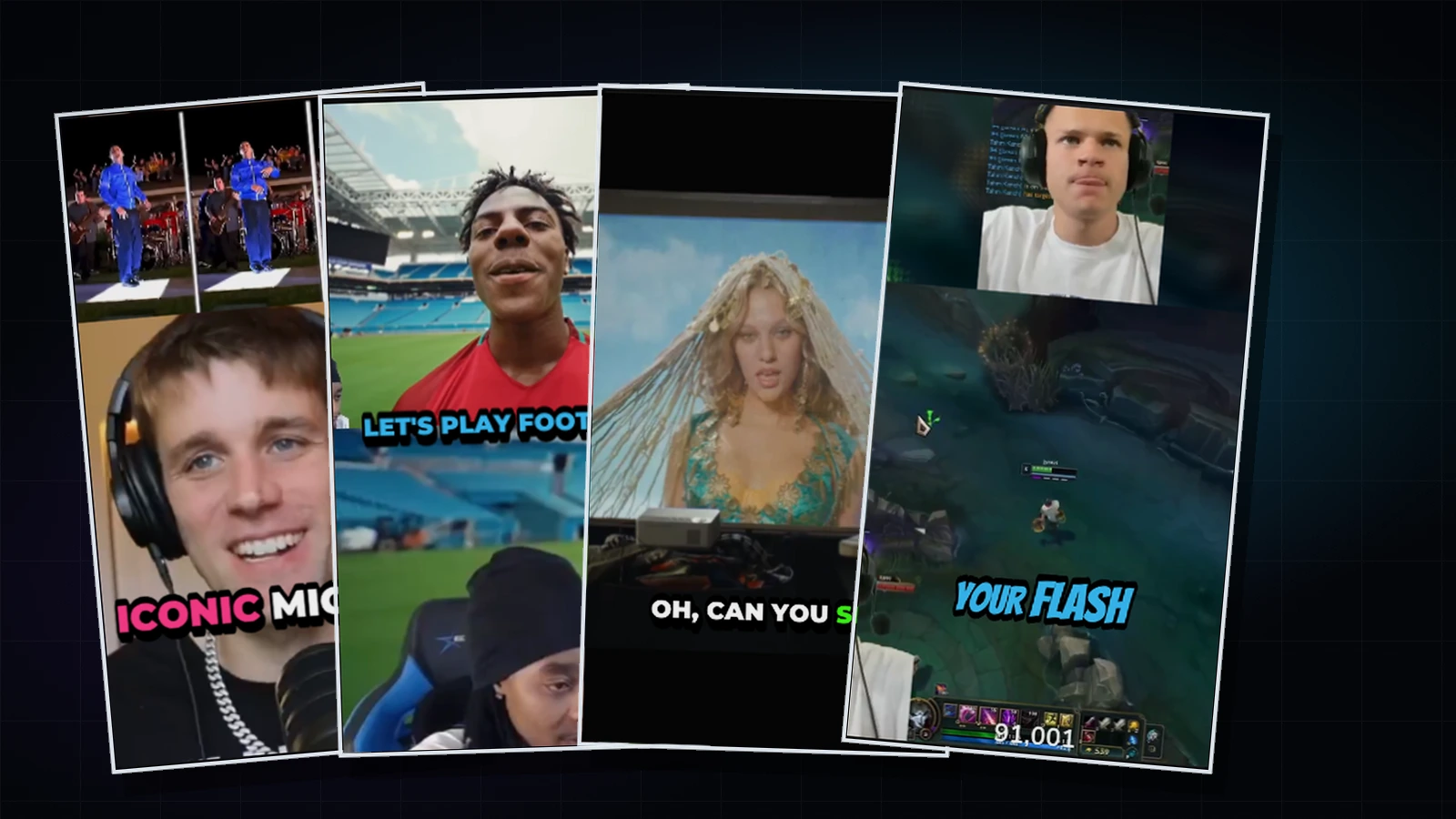
Videoblitz auto clipping film strip showing source video moments selected for short-form clips Videoblitz vertical crop preview prepared for short-form social video
1 / 4

Generate your own clips

No footage? Create your own clips from a prompt using the latest text-to-video models.

Prompt

Documentary-style footage of a street food vendor in Bangkok at night, lit by the orange glow of a wok fire. Sweat beads on his forehead as he tosses pad thai, flames leaping around the edges of the p...

Omni
Prompt

Japanese Anime style, ultra stylized, high energy intense battle scene in a narrow rainy alleyway. Dark scaled monster versus female warrior in flowing crimson kimono. High detail anime battle choreog...

Omni
Prompt

A cinematic, high-contrast live-action action video set in a stark minimalist white gallery space. The subject is the woman from the reference image: straight black bangs, long black hair, a delicate ...

Seedance 2.0 Mini
Prompt

Cinematic luxury skincare commercial built from a product reference. Open on an extreme close-up of the Videoblitz Recharge Cream jar on a red pedestal, then cut to an elegant model in black satin lif...

Seedance 2.0 Mini
Prompt

Subject: A casual UGC content creator in their mid-20s wearing a plain T-shirt with your uploaded logo printed large on the front, holding a smartphone filming themselves vlog-style. Action: The creat...

Omni
Prompt

Create a football anime from different scenes and shots — make it coherent and full of action. Visual style: premium cinematic anime football drama in a dark navy, blue, and gold colour palette. Inten...

Seedance 2.0 Mini

Available in Videoblitz

  • Veo 3.1
  • Seedance 2.0
  • Nano Banana 2
  • Seedream 5.0 Pro
  • Omni

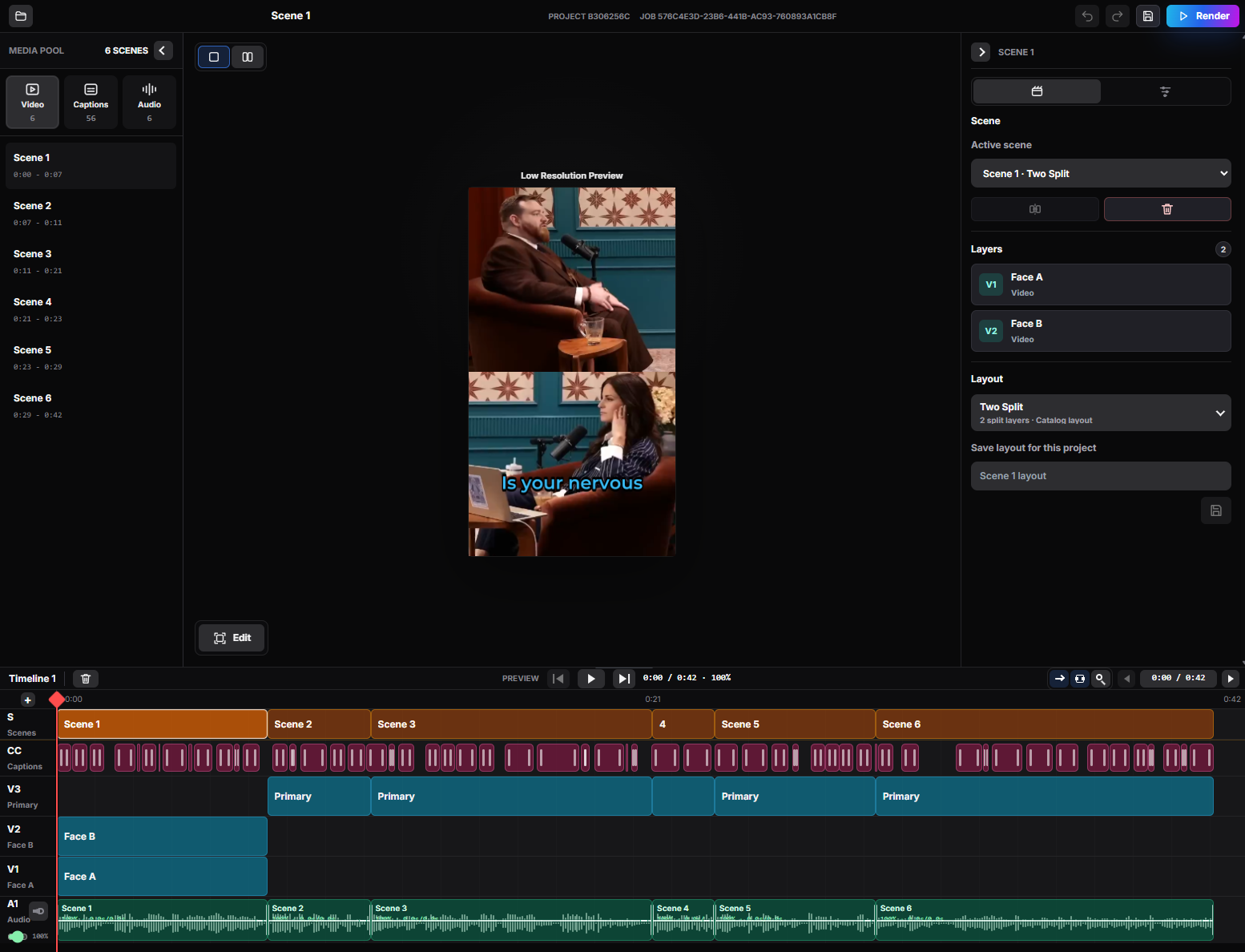
Blitz Edit

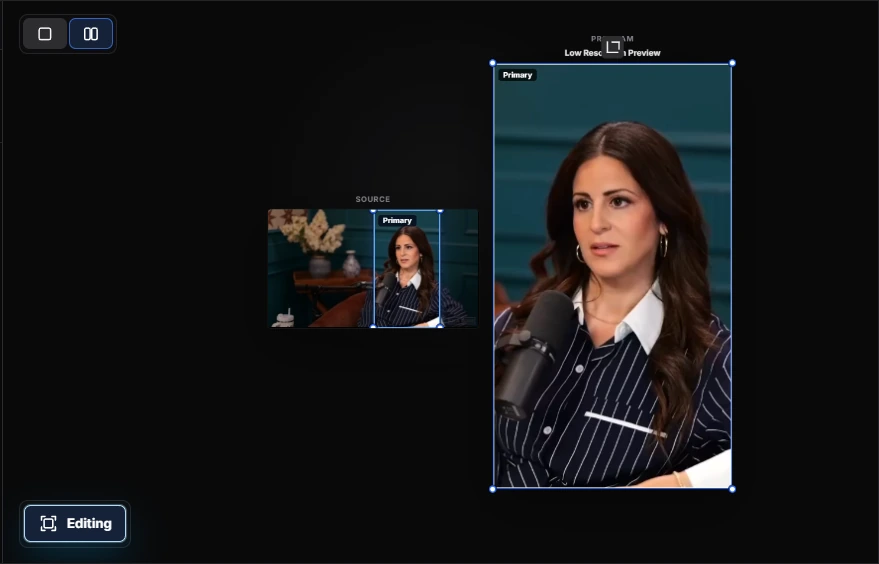
Review your auto-generated clips faster in a scene-based editor built for quick cuts, captions, crops, and final checks.

Blitz Edit editor preview with crop, caption, layout, and render controls

Smart Crop

Adjust the frame for every platform without rebuilding the clip.

Caption Control

Edit timing, style, and placement before the final render.

Layout Tweaks

Refine split-screen, overlays, and safe-area placement.

Saved Revisions

Render another pass while keeping the original AI cut intact.

Schedule your content

Distribute and schedule your content easily with Blitz Social. Build reusable Swarms for every campaign, then send each clip to the right accounts at the right time.

Blitz Social Calendar
12 scheduled posts across 4 reusable Swarms
Mon 25 4 posts
Tue 26 2 posts
Wed 27 open
Thu 28 3 posts
Fri 29 3 posts
8 AM
10 AM
12 PM
2 PM
4 PM
6 PM
Swarm job details

Hover a calendar job

Swarm
Launch, business, social, or community
Scheduled
Pick a job on the calendar
Accounts
Multiple platform accounts
Videos
Queued clips
Status
Scheduled

Select a scheduled block to inspect campaign details.

Calendar Planning

See every scheduled job before it ships, grouped by day, time, and Swarm.

Reusable Swarms

Create custom account groups for any brand, campaign, audience, or publishing workflow.

Platform Copy

Tune titles, captions, and account details for each platform without duplicating work.

Supported Networks

Publish to YouTube, TikTok, Instagram, Threads, Facebook, Snapchat, and X.

Build your first publishing system

Import a video, clip it for four platforms, apply your brand, and publish through swarms. All from one workspace. No manual reformatting.

Get Started Free
Videoblitz shorts publishing pipeline showing clips moving through platform-ready outputs