Run client video work from one workspace. AI Clipping prepares short-form options from client footage, BlitzEdit gives you a focused review pass, and separate publishing setups keep every client account organized.
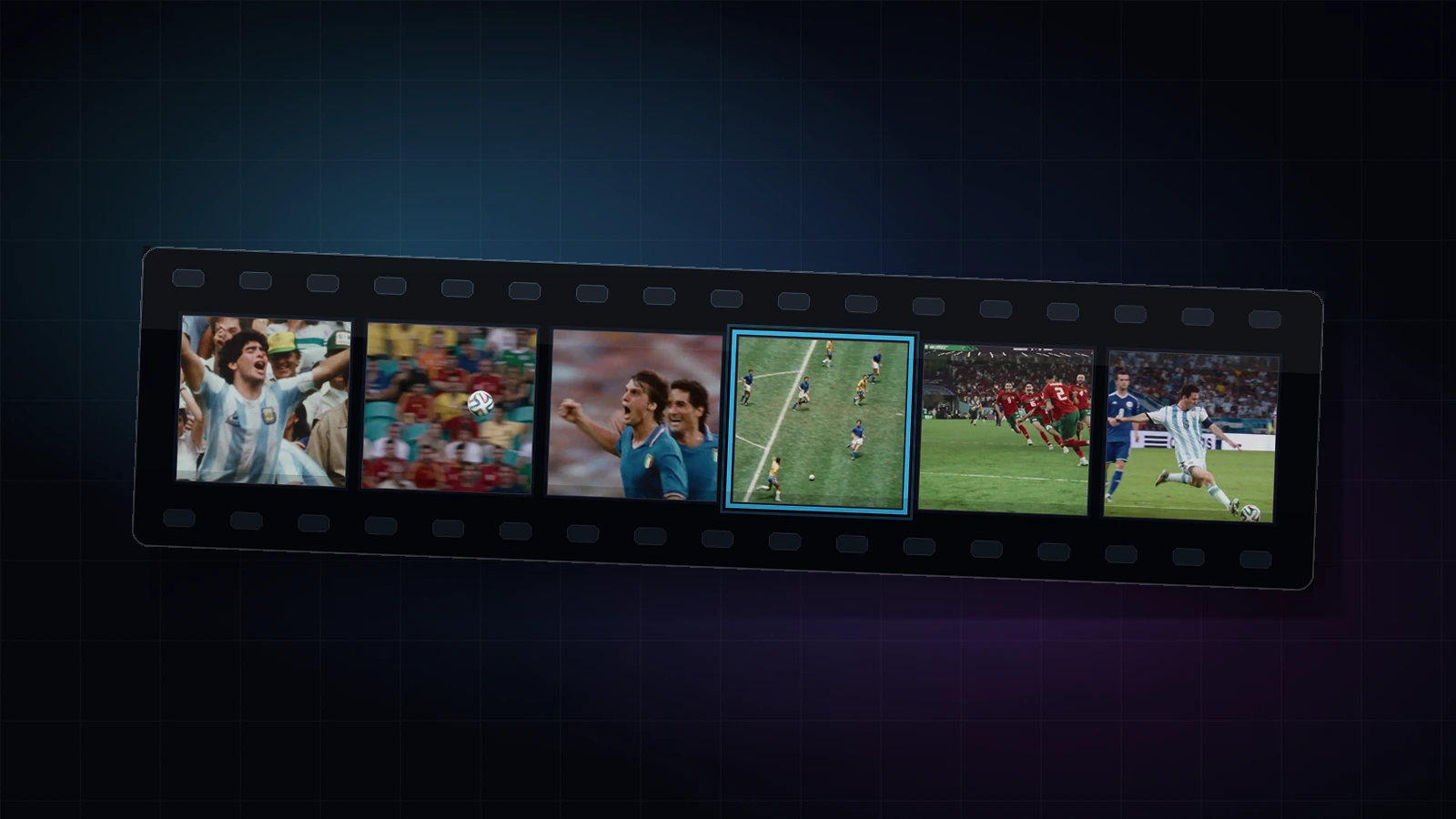
Client-provided video footage, event recordings, brand content, campaign assets, and recurring formatted content from multiple sources.

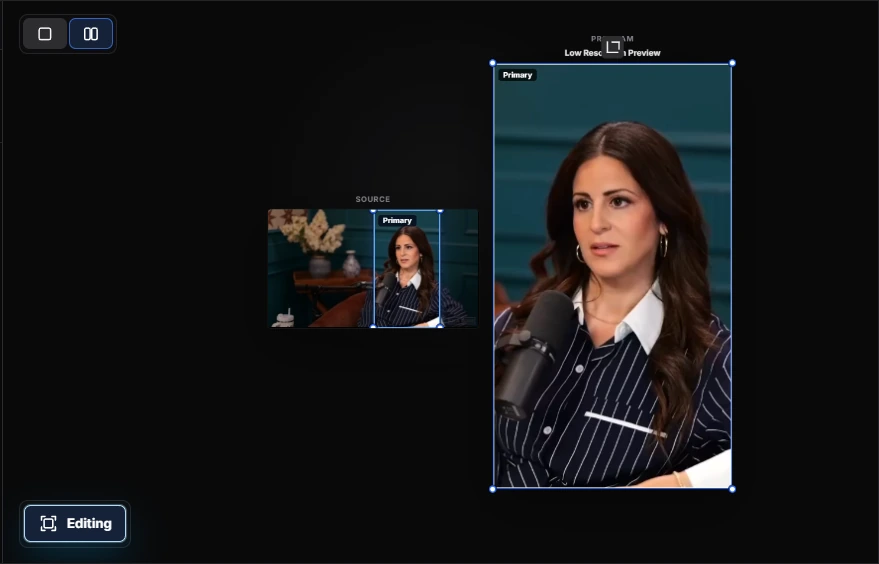
A vertical clip cut from client footage, framed and captioned to that client's style — review-ready without an editor building it from a blank timeline.
Upload source video from any client. Videoblitz processes it the same way regardless of format — no per-client pipeline setup required.
Review the surfaced candidates and pick the clips that match each client's brief, tone, and target platform requirements.
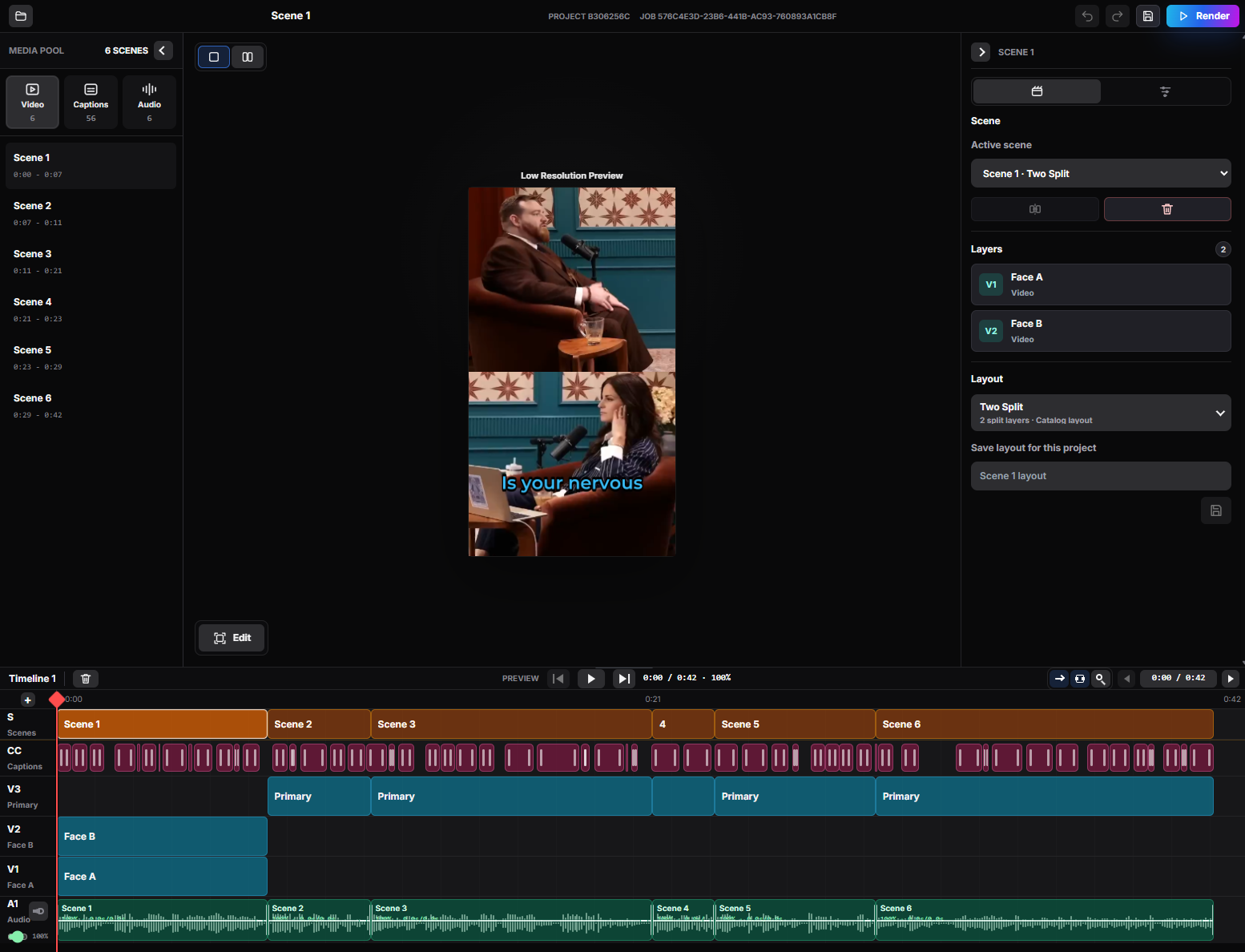
Open clips in BlitzEdit to adjust framing, captions, and layout before sending to client review or publishing directly.
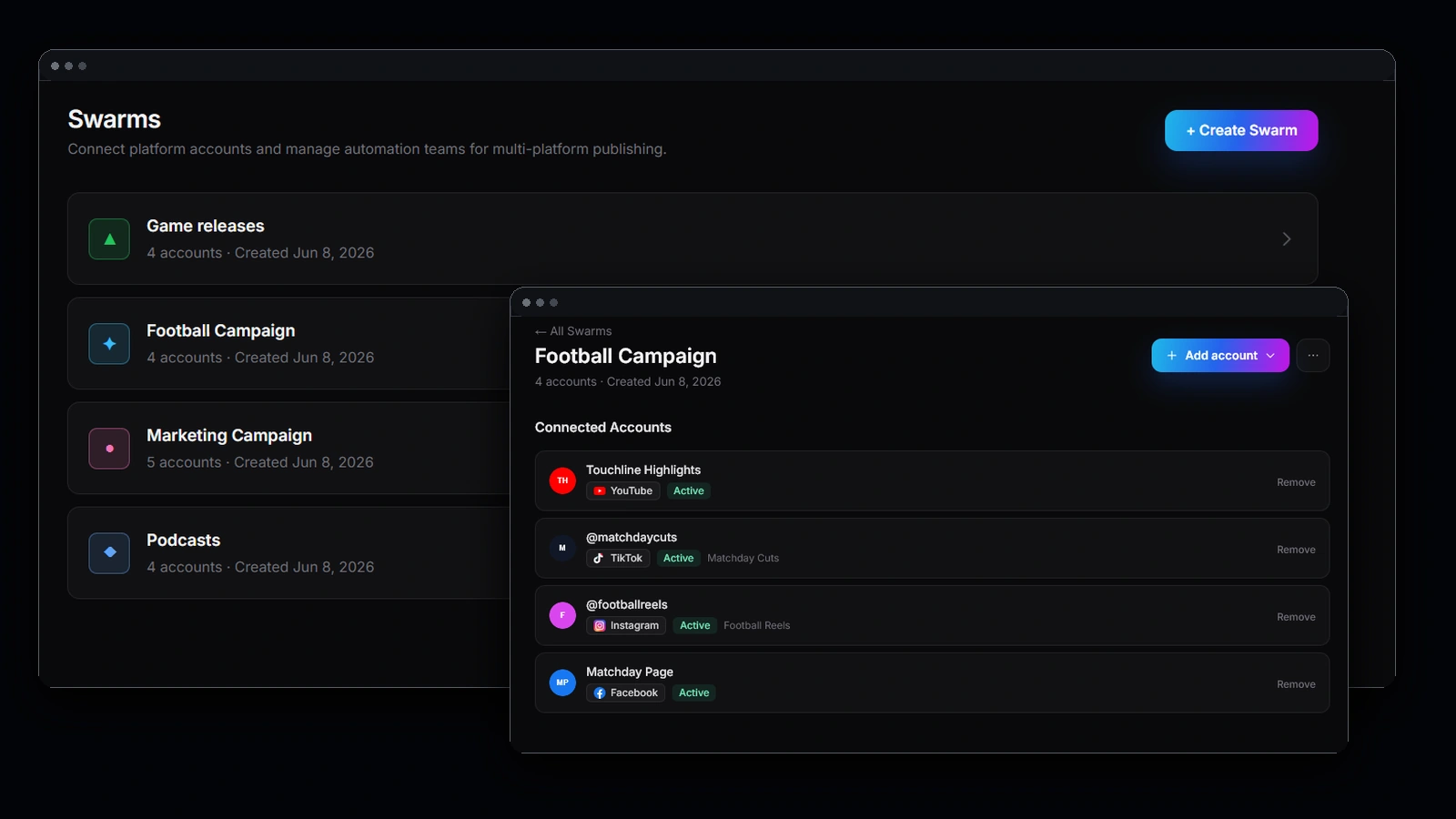
Use separate Blitz Social setups for each client's connected accounts. Reuse each setup across recurring content without reconfiguring.
Standardize video production across clients with one repeatable source-to-publish workflow.
Keep client accounts and publishing configurations separate and reusable across projects.
Reduce turnaround time from raw footage to delivery by letting AI Clipping handle the initial short-form cut.
Short-form retainers are won on turnaround and volume. Both are capacity problems before they are creative ones.
Editor headcount is what caps how many social clients an agency can carry. Moving the first cut off a human timeline raises that ceiling without a hire.
Client volume swings hard around launches. A repeatable source-to-publish workflow means a busy month is scheduling, not scrambling for freelancers.
Getting from client footage to review-ready clips in one pass is a concrete thing to put in a proposal, and it is usually what wins the short-form line item.
Separate Blitz Social setups per client mean connected accounts, formats, and caption styles never cross over — the mistake that costs an account.
Yes. Source video is processed the same way regardless of client or format, so there is no per-client pipeline to build before you can start delivering.
Use a separate Blitz Social setup per client. Each one holds its own connected accounts and publishing choices, and gets reused across that client's recurring content.
The workflow is the same whether you are delivering a few clips or a launch month's worth — the first cut is not gated on editor availability.
For final judgement, yes — BlitzEdit is where framing, captions, and layout get approved before client review. What goes away is the manual scrubbing to find the moments.
Client-provided video, event recordings, brand content, campaign assets, and recurring formatted content from multiple sources.
Turn client footage into a repeatable clipping and publishing pipeline.
Get StartedPhotography: Photo by cottonbro studio on Pexels.